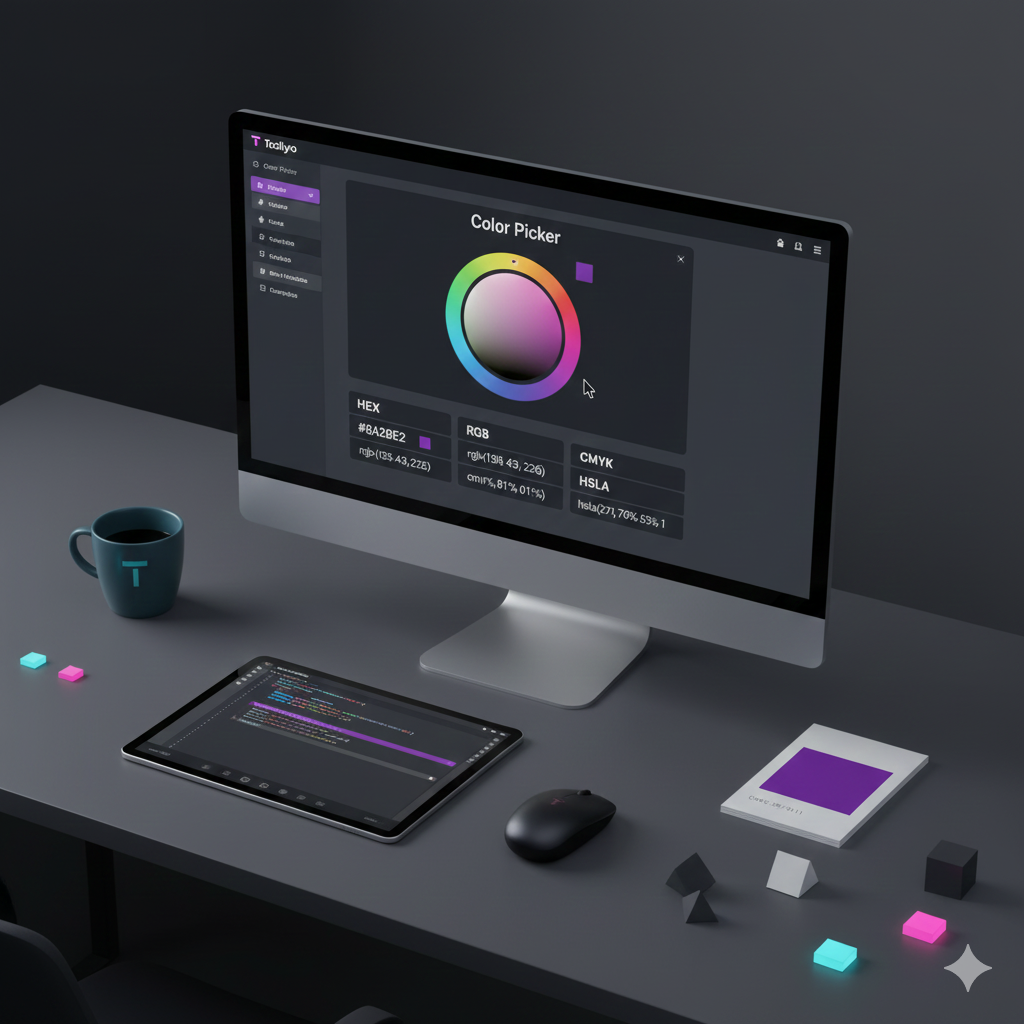
The ultimate guide to color codes! Learn the difference between HEX, RGB, and CMYK, and use Toolyvo's free online color picker to get instant conversions for web and print.
Introduction: Why Color Needs a "Language"
Welcome to the vibrant world of digital design! If you’ve ever designed a website, modified a photo, or prepared a logo for printing, you know that color is rarely simple. Different mediums speak different "color languages," such as HEX, RGB, and CMYK.
The Toolyvo Color Picker is your instant translator. This free tool allows you to select any shade and instantly get the correct code in every major format needed for web, print, and design projects. Let’s break down these essential codes and show you how to use the utility.
HEX and RGB: The Digital Standard
When you design for screens—websites, mobile apps, or digital ads—you primarily deal with two models:
- HEX (Hexadecimal): This is the universal language of web development. It’s a six-character code (like
#B90E0E) that tells the browser exactly what color to display. - RGB (Red, Green, Blue): This model represents how light is mixed on a screen. Every color is defined by the intensity level (0 to 255) of Red, Green, and Blue light sources.
Your digital colors must always be optimized within the RGB space for accurate screen display.
Understanding CMYK: For Print Professionals Only
If you are designing something that will be physically printed (like a brochure or a business card), you must rely on the CMYK model.
- CMYK (Cyan, Magenta, Yellow, Key/Black): This is a subtractive model based on physical ink. Printers use this mix of inks to absorb light. If your digital design uses a bright RGB color without checking its CMYK equivalent, the printed result will often appear dull or muted.
How to Use the Toolyvo Color Picker (3 Simple Steps)
Stop guessing and start designing with precision! Our online Color Picker tool is free, fast, and requires no downloads:
- Select Your Color: Go directly to the tool page: Toolyvo Color Picker. Use the interactive color wheel or paste an existing HEX code into the field.
- Instant Conversion: The tool instantly generates the corresponding values for HEX, RGB, CMYK, HSLA, and more.
- Copy and Apply: Copy the precise code (e.g., the CMYK value for print or HEX for web) and apply it directly to your design software.
Conclusion
Color consistency is the foundation of professional branding. Whether you are coding a CSS file or sending a final file to the printer, you need accurate, reliable color data.
Use the Toolyvo Color Picker as your standard color translation tool. It’s one of over 2,500 free web tools we offer to streamline your development and design workflow.