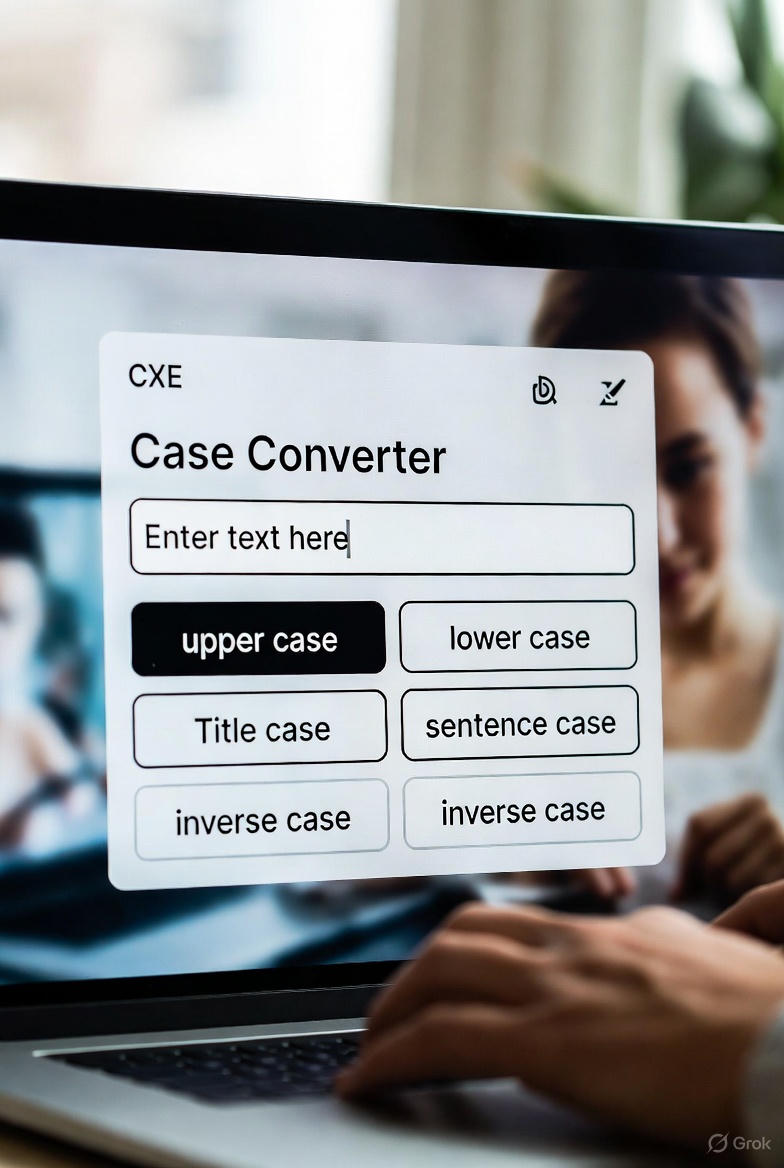
Read our in-depth review of Toolyvo’s Text Case Converter. Convert text to uppercase, lowercase, sentence case, and title case instantly online.
Toolyvo Text Case Converter Review
Convert Text to Uppercase, Lowercase & More Instantly Online
Introduction
Text formatting may seem like a small detail, but in reality, it plays a critical role in how information is created, shared, and consumed online. Writers, students, developers, marketers, and content creators constantly work with text that needs to be adjusted, cleaned, or reformatted to meet specific requirements.
One of the most common and often overlooked tasks is changing text case:
- Converting text to UPPERCASE for emphasis
- Switching content to lowercase for consistency
- Formatting titles using Title Case
- Fixing accidentally capitalized paragraphs
- Preparing text for code, forms, or databases
Doing this manually can be time-consuming and error-prone, especially when working with large blocks of text.
This is where Text Case Converter tools come in.
In this detailed review, we take an in-depth look at the Text to Uppercase / Lowercase Converter from Toolyvo, exploring its features, usability, accuracy, performance, and real-world applications. By the end of this article, you’ll know exactly who this tool is for and whether it deserves a place in your daily workflow.
What Is the Toolyvo Text Case Converter?
The Text Case Converter from Toolyvo is a free online text formatting tool that allows users to instantly transform text into different letter cases, directly in the browser.
The tool typically supports multiple case conversion options, including:
- Uppercase
- Lowercase
- Sentence case
- Capitalize each word (Title Case)
It works without requiring:
- Account registration
- Software installation
- Browser extensions
- Technical knowledge
The goal of the tool is simple: save time and eliminate formatting errors when working with text.
Why Text Case Conversion Matters
At first glance, changing text case might seem trivial. But in practice, it affects many areas of digital work.
1. Writing & Content Creation
Writers often need to:
- Fix text copied from sources with inconsistent capitalization
- Format headings correctly
- Prepare clean drafts for editors
2. SEO & Digital Marketing
Search engines and platforms care about structure:
- Titles and headings often require Title Case
- Meta descriptions may need consistent casing
- Ad copy has formatting guidelines
3. Programming & Development
Developers frequently deal with:
- Case-sensitive variables
- Formatting text for JSON, APIs, or databases
- Cleaning user input data
4. Academic & Professional Work
Students and professionals often need to:
- Format assignments
- Clean up copied text
- Standardize documents
In all these scenarios, a reliable text case converter can save time and reduce mistakes.
First Impressions & User Interface
One of the strongest points of Toolyvo’s Text Case Converter is its minimalist design philosophy.
Interface Characteristics:
- Clean and uncluttered layout
- Large text input area
- Clearly labeled conversion buttons
- Instant output
- No distracting ads or pop-ups
The tool focuses on usability rather than flashy design. Everything on the page exists for one reason: to help users convert text quickly.
Even first-time users can understand how to use the tool within seconds.
How the Tool Works (Step-by-Step)
Using the Toolyvo Text Case Converter is straightforward:
- Open the tool page in your browser
- Paste or type text into the input box
- Choose the desired case conversion:
- Uppercase
- Lowercase
- Sentence case
- Capitalize words
- Instantly see the converted text
- Copy the result and use it anywhere
No page reloads, no delays, no unnecessary steps.

Supported Case Conversion Types
1. Uppercase
Converts all letters into capital letters.
Example:
Use cases:
- Headings
- Emphasis
- Labels
- Alerts
2. Lowercase
Converts all letters into small letters.
Example:
Use cases:
- URLs
- Code formatting
- Data normalization
3. Sentence Case
Capitalizes the first letter of each sentence while keeping the rest lowercase.
Example:
Use cases:
- Paragraph formatting
- Blog content
- Editorial writing
4. Capitalize Each Word (Title Case)
Capitalizes the first letter of every word.
Example:
Use cases:
- Blog titles
- Article headings
- Book titles
Accuracy & Performance
Accuracy is essential in text processing tools, and Toolyvo performs reliably.
Performance Highlights:
- Handles short and long text smoothly
- No noticeable lag
- Accurate character conversion
- Preserves spacing and punctuation
- Works consistently across browsers
Whether you’re converting a single sentence or a multi-page document, the tool remains responsive and accurate.
Who Should Use This Tool?
✍️ Writers & Bloggers
- Format titles and headings
- Clean copied content
- Prepare drafts quickly
🎓 Students
- Fix formatting in assignments
- Standardize text case
- Save time during editing
📈 SEO Specialists
- Optimize meta titles and descriptions
- Format content for search guidelines
💼 Professionals
- Prepare documents
- Format emails and reports
- Clean up pasted text
💻 Developers
- Normalize text input
- Convert strings for code
- Prepare test data
In short, anyone who works with text online can benefit from this tool.
Comparison with Other Text Case Tools
| Feature Toolyvo Text Case Converter | |
| Free to use | |
| No registration | |
| Clean interface | |
| Fast performance | |
| Mobile friendly |
Toolyvo’s advantage lies in simplicity and focus, without overwhelming users with unnecessary options.
Limitations & Areas for Improvement
While the tool performs well, it does have some limitations:
❌ No Advanced Text Analysis
The tool does not include:
- Word count
- Character count
- Grammar checks
(Though Toolyvo offers separate tools for these tasks.)
❌ No Bulk File Upload
You cannot upload text files for batch processing.
❌ No Custom Rules
Advanced capitalization rules (e.g., ignoring short words) are not configurable.
These limitations are reasonable given the tool’s goal: quick and simple text case conversion.
Practical Real-World Use Cases
Case 1: Fixing Copied Content
Text copied from PDFs or websites often comes with inconsistent capitalization. The tool fixes this instantly.
Case 2: Preparing Blog Titles
Convert draft titles into proper Title Case without manual edits.
Case 3: Coding & Data Cleaning
Developers can normalize text input to lowercase for consistency.
Case 4: Academic Editing
Students can quickly clean paragraphs before submission.
Privacy & Security
Privacy is an important consideration for online tools.
The Toolyvo Text Case Converter:
- Does not require login
- Does not store text
- Does not track personal data
- Works entirely in the browser
This makes it safe for:
- Private drafts
- Sensitive text
- Internal documents
SEO Benefits of Using a Text Case Converter
Proper capitalization improves:
- Readability
- Click-through rates
- Professional appearance
- Content consistency
Using a text case converter ensures that headings, titles, and descriptions follow best practices, which indirectly supports better SEO performance.
Final Rating
⭐ Overall Rating: 4.6 / 5
Strengths:
✔ Extremely easy to use
✔ Accurate and fast
✔ Clean interface
✔ Free and accessible
✔ No sign-up required
Weaknesses:
✖ No advanced customization
✖ No file upload support
Final Verdict
The Toolyvo Text Case Converter is a simple yet powerful utility that solves a very common problem efficiently.
It doesn’t try to be an all-in-one text editor—and that’s its strength.
If you need:
- Quick text formatting
- Reliable case conversion
- Zero learning curve
- No distractions
Then this tool is an excellent choice.
Recommendation
✅ Highly recommended for:
- Writers
- Students
- SEO specialists
- Developers
- Content creators
With continued development and optional advanced features in the future, this tool has the potential to become one of the most useful everyday text utilities online.