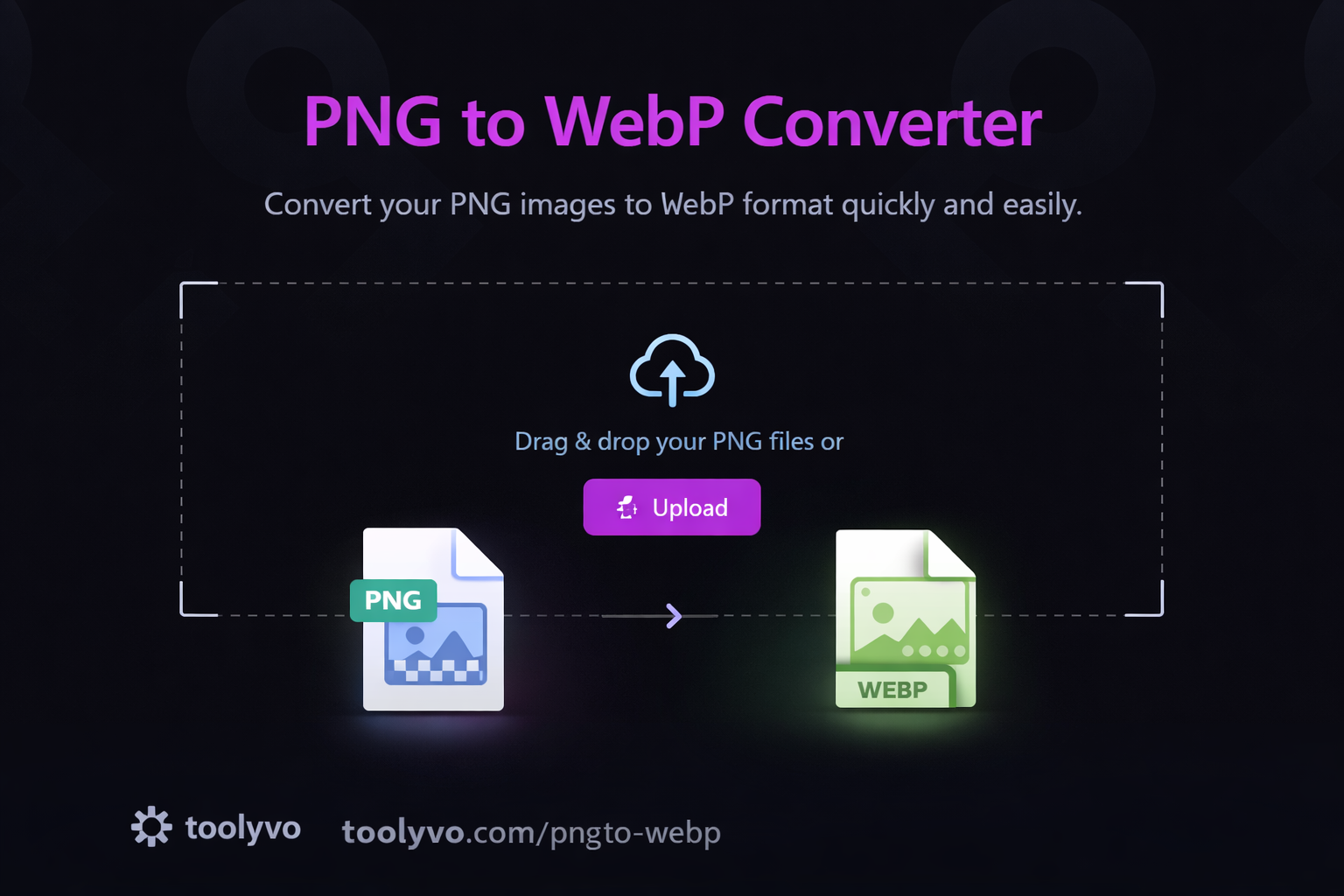
Compress images and convert PNG to WebP online for free. Reduce image size, boost website speed, and improve SEO with Toolyvo.
Image Compressor & PNG to WebP Tool: The Ultimate Guide to Faster, Smarter Images
Introduction
Website speed has become one of the most critical factors for online success. From user experience to SEO rankings, performance plays a decisive role in how websites are evaluated by both users and search engines. One of the biggest contributors to slow websites is unoptimized images.
This is where the Image Compressor & PNG to WebP Tool from Toolyvo becomes extremely valuable. It allows users to compress images and convert PNG files to the modern WebP format, significantly reducing file sizes while maintaining high visual quality.
This comprehensive English article (2000+ words) explores image compression, the WebP format, why they matter, and how to use Toolyvo’s Image Compressor / PNG to WebP tool effectively for web performance, SEO, and user experience.
What Is Image Compression?
Image compression is the process of reducing the file size of an image without noticeably affecting its visual quality. Smaller image files load faster, consume less bandwidth, and improve overall website performance.
Types of Image Compression
1. Lossless Compression
- Preserves original image quality
- Slightly reduces file size
- Ideal for logos, icons, and graphics
2. Lossy Compression
- Removes unnecessary image data
- Achieves much smaller file sizes
- Best for photos and web images
Toolyvo intelligently applies compression techniques to balance quality and size.
Why Image Optimization Matters
1. Faster Page Load Speed
Images often account for more than 50% of a webpage’s total size. Compressing them drastically reduces load times.
2. Better SEO Rankings
Google uses page speed and Core Web Vitals as ranking factors. Optimized images help meet these performance benchmarks.
3. Improved User Experience
Fast-loading pages reduce bounce rates and increase engagement.
4. Reduced Bandwidth Usage
Optimized images save hosting resources and lower data transfer costs.
5. Mobile Performance
Compressed images are essential for mobile users with slower connections.
What Is WebP?
WebP is a modern image format developed by Google that provides superior compression compared to traditional formats like PNG and JPG.
Key Features of WebP
- Smaller file sizes (25–35% smaller than PNG/JPG)
- Supports both lossy and lossless compression
- Supports transparency (alpha channel)
- High visual quality
- Ideal for modern web applications

PNG vs WebP: A Comparison
| FeaturePNGWebP | ||
| File Size | Large | Much Smaller |
| Transparency | Yes | Yes |
| Compression | Lossless only | Lossy & Lossless |
| Web Performance | Slower | Faster |
| SEO Friendly | Moderate | Excellent |
This comparison explains why converting PNG to WebP is highly recommended.
Overview of Toolyvo Image Compressor & PNG to WebP Tool
Toolyvo provides a free, browser-based tool that allows users to compress images and convert PNG files to WebP instantly—without installing software or creating an account.
Key Features
- 100% free
- No signup required
- Works directly in the browser
- Fast compression and conversion
- Maintains high image quality
- Supports PNG to WebP conversion
- Clean and simple interface
How to Use the Toolyvo Image Compressor / PNG to WebP Tool
Step 1: Open the Tool
Visit Toolyvo and navigate to the Image tools section. Select Image Compressor or PNG to WebP.
Step 2: Upload Your Image
Upload your PNG image by clicking the upload button or dragging and dropping the file.
Step 3: Automatic Compression & Conversion
The tool automatically compresses the image and converts it to WebP format.
Step 4: Download the Optimized Image
Once processing is complete, download the optimized WebP image instantly.
Real-World Use Cases
1. Website Owners
Reduce page load times and improve SEO.
2. E-commerce Stores
Optimize product images for faster browsing and higher conversions.
3. Bloggers & Content Creators
Upload faster-loading images without sacrificing quality.
4. Developers
Implement modern image formats for performance-focused websites.
5. Mobile Apps & PWAs
Deliver lightweight images for mobile-first experiences.
SEO Benefits of Using WebP Images
Using compressed WebP images helps:
- Improve Core Web Vitals (LCP, CLS)
- Increase crawl efficiency
- Reduce bounce rate
- Enhance mobile SEO
- Boost overall page speed scores
Google officially recommends WebP for image optimization.
Image Compression Best Practices
- Always compress images before uploading
- Use WebP whenever possible
- Keep image dimensions appropriate
- Avoid multiple compression passes
- Use descriptive file names
- Add proper alt text for SEO
Common Questions (FAQ)
Is the Image Compressor free?
Yes, Toolyvo’s Image Compressor and PNG to WebP tool is completely free.
Does WebP work on all browsers?
Most modern browsers fully support WebP.
Will image quality decrease?
Quality loss is minimal and usually unnoticeable.
Are images stored on the server?
No, images are processed quickly and not permanently stored.
Privacy & Security
Toolyvo respects user privacy. Images are processed securely and removed automatically after conversion.
The Future of Image Optimization
Image optimization continues to evolve with:
- AI-based compression
- Adaptive image delivery
- Smarter quality detection
- Wider WebP and AVIF adoption
Toolyvo is well-positioned to support these future technologies.
Conclusion
The Image Compressor & PNG to WebP Tool from Toolyvo is an essential solution for anyone who wants faster websites, better SEO performance, and improved user experience. By compressing images and converting PNG files to WebP, you can significantly reduce load times without compromising quality.
Whether you are a website owner, developer, blogger, or marketer, this tool provides a fast, free, and reliable way to optimize images for the modern web.
Would you like SEO meta titles, descriptions, or a full blog content plan for Toolyvo next?