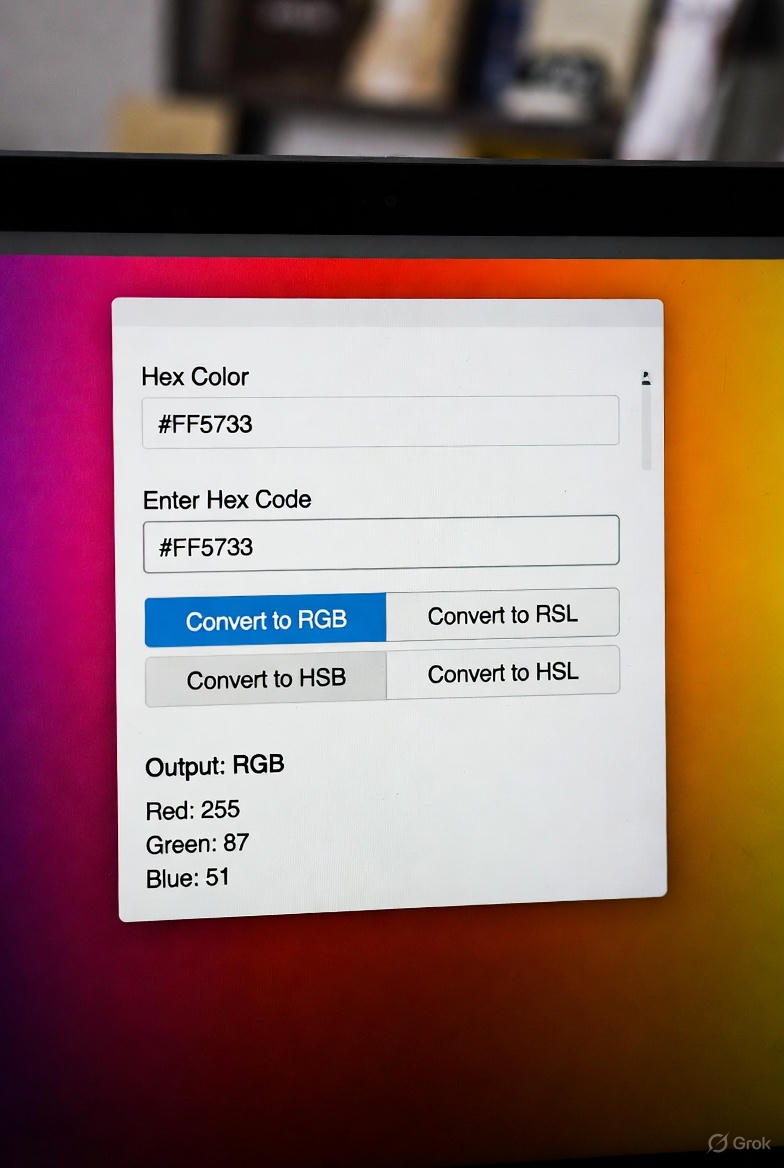
A complete review of Toolyvo’s HEX to RGB Color Converter. Learn how designers and developers use it to convert colors instantly for CSS, UI design, and web projects.
HEX to RGB Color Converter Review: A Simple Tool That Every Designer and Developer Needs
Colors are the foundation of modern web design. Whether you are building a landing page, designing a mobile interface, or writing CSS for a web application, accurate color values are essential. One of the most common challenges designers and developers face is converting colors between different formats—especially from HEX to RGB.
That’s where Toolyvo’s HEX to RGB Color Converter comes in.
In this in-depth review, we’ll explore what this tool does, who it’s for, how it works, and why it’s a must-have utility for anyone working with digital colors.
What Is HEX and Why Does RGB Matter?
HEX colors are widely used in web design. They represent colors using hexadecimal values such as #FFFFFF or #000000. Designers often copy HEX values from tools like Figma, Photoshop, or brand guidelines.
RGB, on the other hand, represents colors using Red, Green, and Blue numeric values—commonly used in CSS, JavaScript, and graphic software.
Converting between these formats is a daily task for many professionals.
Overview of Toolyvo’s HEX to RGB Converter
Toolyvo provides a fast, free, browser-based tool that instantly converts HEX color codes into RGB values. There is no registration, no ads interfering with the interface, and no unnecessary steps.
You simply paste a HEX value, and the RGB result appears immediately.
Key Features
1. Instant Conversion
The tool performs real-time conversion as soon as you enter a HEX color.
2. Clean and Minimal Interface
No clutter. No distractions. Just input and output.
3. Accurate Results
The RGB values match standard color conversion formulas used in professional software.
4. No Sign-Up Required
You can use the tool instantly without creating an account.
5. Mobile-Friendly
Works perfectly on desktop, tablet, and mobile devices.
Who Should Use This Tool?
🎨 Designers
- Convert colors from design tools to CSS-ready values
- Maintain brand color consistency
- Build light/dark themes
💻 Developers
- Use RGB values in CSS and JavaScript
- Debug UI color issues
- Convert HEX colors for animations or dynamic styling
📈 Marketers & Content Creators
- Prepare social media graphics
- Ensure consistent colors across platforms
🎓 Students
- Learn color systems
- Practice frontend development basics
Real-World Use Cases
Use Case 1: CSS Styling
You receive a HEX color from a designer and need an RGB value for rgba() transparency.
Use Case 2: UI Frameworks
Some frameworks require RGB values instead of HEX.
Use Case 3: Design to Code Workflow
Move seamlessly from Figma to CSS.
Use Case 4: Dark Mode Adjustments
Fine-tune RGB values for accessibility and contrast.
How to Use Toolyvo’s HEX to RGB Converter

- Open the HEX to RGB tool on Toolyvo
- Paste your HEX color (e.g.
#3498db) - Instantly receive the RGB output
- Copy and use it in your project

That’s it. No extra steps.
Performance and Reliability
The tool runs entirely in the browser, making it fast and secure. No data is sent to servers, which is ideal for privacy-conscious users.
Comparison With Other Tools
Many online converters exist, but Toolyvo stands out due to:
- Faster load time
- Cleaner UI
- No intrusive ads
- Part of a full color tool suite
Design Tips When Using HEX and RGB
- Use RGB when you need opacity (
rgba) - Use HEX for brand consistency
- Always test contrast ratios for accessibility
- Save commonly used colors
SEO and Frontend Optimization Benefits
Accurate color usage improves:
- User experience
- Visual clarity
- Brand recognition
While color conversion itself isn’t an SEO factor, good design supports better engagement metrics.
Final Verdict
Toolyvo’s HEX to RGB Color Converter is a simple yet powerful tool that does exactly what it promises. It’s fast, accurate, and easy to use—making it ideal for designers, developers, and anyone working with digital colors.
If you regularly work with HEX and RGB formats, this tool deserves a permanent spot in your workflow.