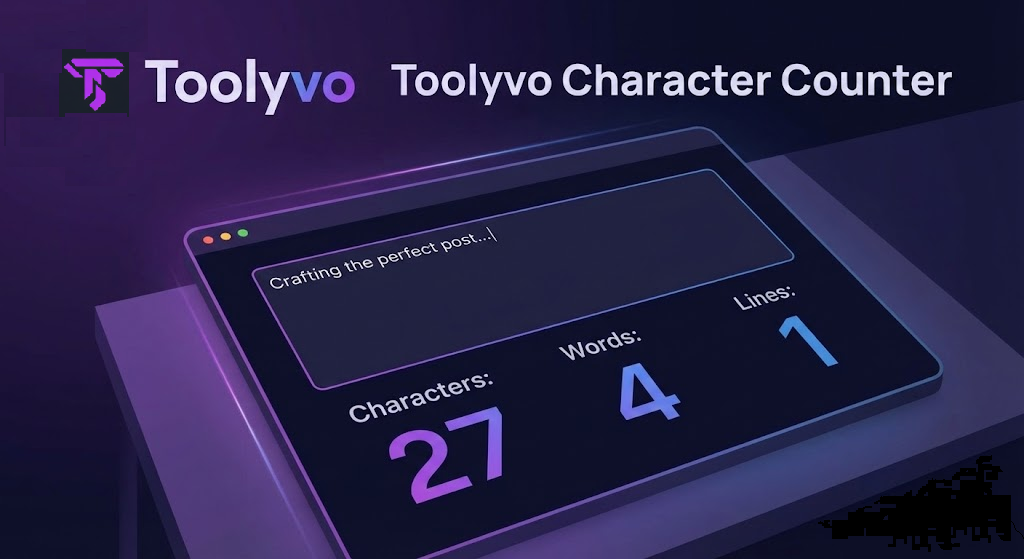
Track characters, words, and lines instantly with Toolyvo's free Character Counter. Essential for social media posts, SEO, and academic writing.
Introduction
In the digital world, every character counts. Whether you're crafting the perfect tweet, writing a meta description for Google, or just trying to keep an essay concise, knowing your text stats is essential.
That’s why the Toolyvo Character Counter is here. It’s a simple, powerful tool that gives you instant feedback on your writing length and structure.
Why Do You Need a Character Counter?
Unlike a standard word counter, a character counter tracks every single keystroke. This is critical for platforms with strict limits:
- X (Twitter): Limit is 280 characters.
- Instagram Bio: Limit is 150 characters.
- SEO Meta Descriptions: Best practice is under 160 characters.
- Google Ads Headlines: Strict limits apply.
Going over the limit by just one character can mean your message gets cut off or rejected.
How to Use the Toolyvo Character Counter
Our tool is designed for speed and accuracy. Just follow these steps:
- Type or Paste: Enter your text directly into the input box on the Toolyvo Character Counter page.
- Click Submit: Hit the purple "Submit" button.
- Get Instant Results: The tool immediately displays a breakdown of:
- Characters: Total count (including spaces).
- Words: Total word count.
- Lines: Number of lines in your text.
Conclusion
Stop guessing if your post is too long. Use Toolyvo to ensure your content fits perfectly on any platform. It's free, fast, and works right in your browser.