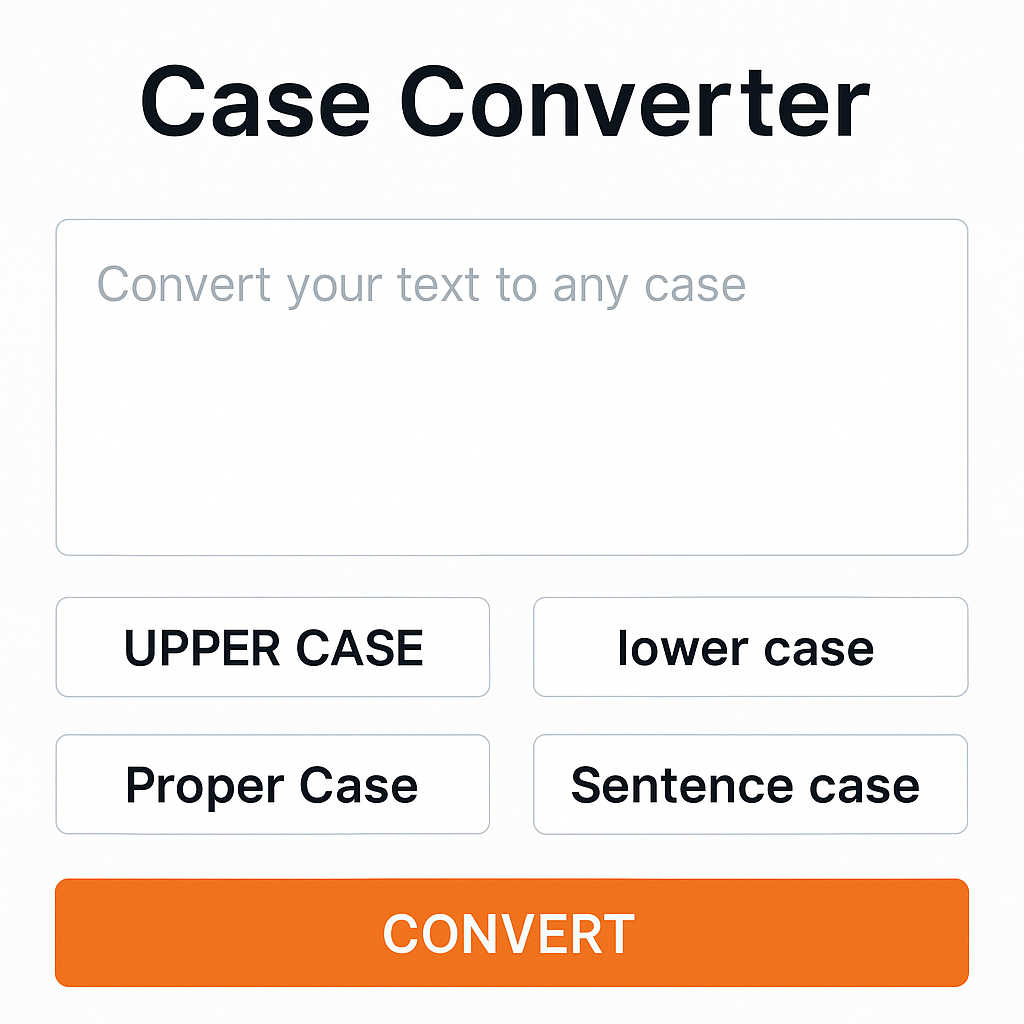
Convert text to uppercase, lowercase, title case, or sentence case instantly. Our free Case Converter tool fixes accidental caps lock and formats your writing in seconds.
Have you ever accidentally left "Caps Lock" on and typed a whole paragraph, only to realize it looks like you are screaming? Or perhaps you need to capitalize the first letter of every word for a title, but doing it manually takes too long?
Formatting text can be tedious, but it doesn't have to be. With the Case Converter Tool on Toolyvo, you can switch between text styles with a single click.
Why Use a Case Converter? This tool is a lifesaver for:
- Writers & Editors: Quickly format headlines into "Title Case".
- Students: Fix capitalization errors in essays without retyping.
- Developers: Convert database values to uniform uppercase or lowercase.
Available Modes Our tool supports the most popular text transformations:
- UPPERCASE: Converts all letters to capitals (e.g., "HELLO WORLD").
- lowercase: Converts all letters to small letters (e.g., "hello world").
- Title Case: Capitalizes the first letter of every word (e.g., "Hello World").
- Sentence case: Capitalizes only the first letter of the first word (e.g., "Hello world").
How to Use It
- Paste your text into the box.
- Select the tab or button for the format you want (e.g., "Upper Case").
- Copy the converted text instantly.
Conclusion Stop retyping your text to fix capitalization mistakes. Use the Toolyvo Case Converter to clean up your content instantly for free.