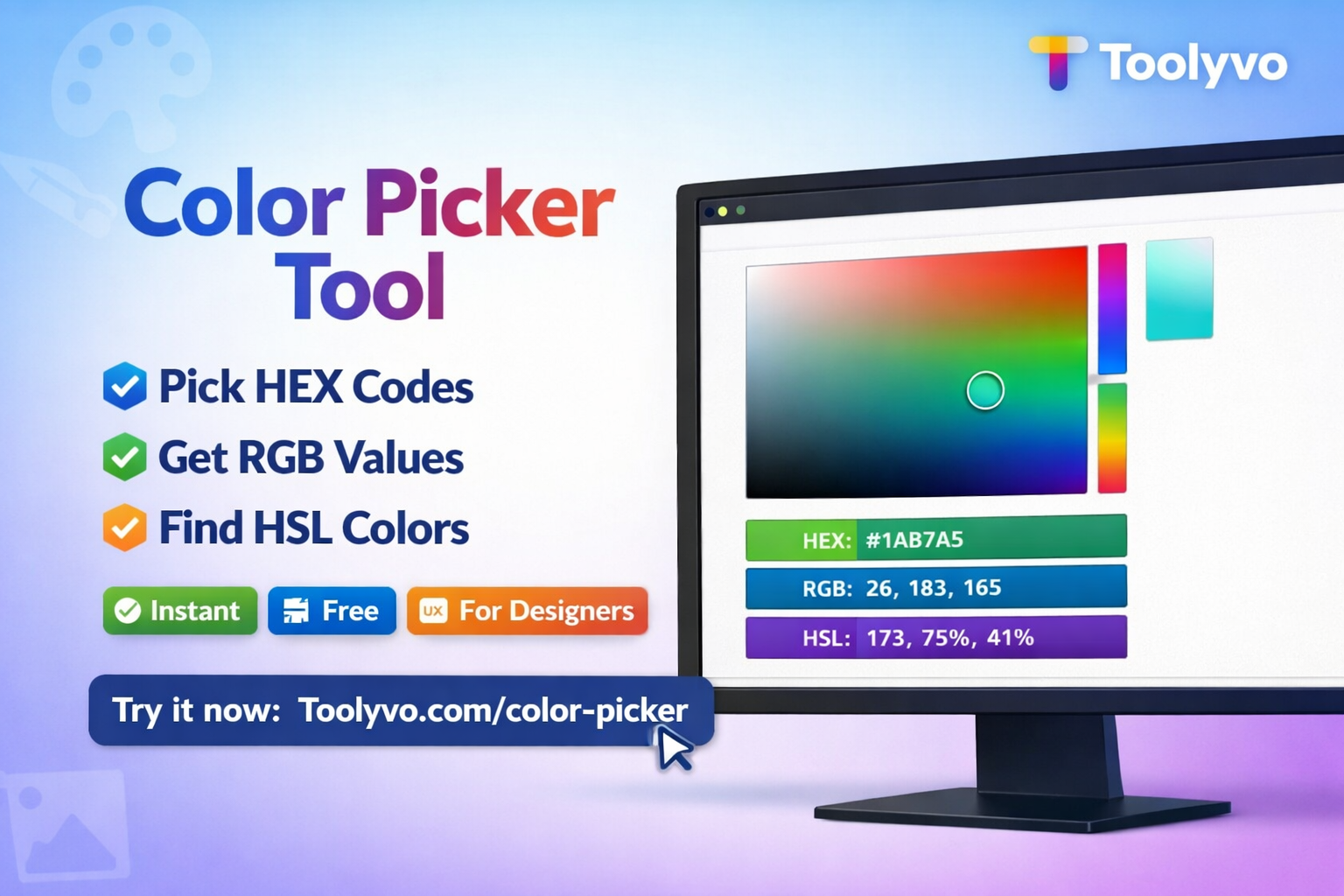
Free online color picker tool. Pick HEX, RGB, and HSL color codes instantly for web design, UI/UX, and branding with Toolyvo.
Color Picker Tool: The Complete Professional Guide for Designers and Developers
Introduction
Colors play a critical role in digital design, branding, and user experience. From websites and mobile apps to logos and marketing materials, choosing the right colors can significantly impact usability, aesthetics, and conversion rates.
This is where a Color Picker Tool becomes essential. A color picker allows users to select, analyze, and copy colors accurately using different color formats such as HEX, RGB, HSL, and more.
The Color Picker Tool from Toolyvo is a free, browser-based solution designed for designers, developers, marketers, and anyone who works with colors online. This professional guide (2000+ words) explains what a color picker is, why it is important, how it works, and how to use Toolyvo’s Color Picker to improve design workflows and web projects.
What Is a Color Picker?
A color picker is a digital tool that allows users to select colors visually or by inputting specific color values. It provides exact color codes that can be used in web development, graphic design, UI/UX design, and branding.
Color pickers typically support multiple color models, including:
- HEX (Hexadecimal)
- RGB (Red, Green, Blue)
- HSL (Hue, Saturation, Lightness)
- CMYK (Cyan, Magenta, Yellow, Black)
Why Color Accuracy Matters
Choosing colors randomly can lead to inconsistent branding, poor readability, and weak visual hierarchy. Accurate color selection ensures:
- Consistent branding across platforms
- Better readability and accessibility
- Professional-looking designs
- Improved user experience (UX)
- Strong emotional impact
Who Uses Color Picker Tools?
Designers
Graphic and UI designers rely on color pickers to create harmonious color palettes and consistent layouts.
Web Developers
Developers use color codes directly in CSS, HTML, and JavaScript for styling websites and applications.
Marketers
Marketers use colors to influence emotions, brand recognition, and call-to-action effectiveness.
Content Creators
YouTubers, bloggers, and social media creators use color pickers for thumbnails, overlays, and branding.
Overview of the Toolyvo Color Picker Tool
Toolyvo offers a fast, free, and easy-to-use Color Picker Tool that works directly in the browser.
Key Features
- 100% free
- No signup required
- Real-time color selection
- Supports HEX, RGB, and HSL formats
- Clean and user-friendly interface
- Works on desktop and mobile
How to Use the Color Picker Tool on Toolyvo
Step 1: Open the Tool
Visit Toolyvo and navigate to the Color Picker tool.
Step 2: Select a Color
Use the color palette or slider to choose your desired color visually.
Step 3: Copy Color Code
Instantly copy the color value in HEX, RGB, or HSL format.
Step 4: Use in Your Project
Paste the color code directly into your design software or code.

Supported Color Formats Explained
HEX
Used widely in web design and CSS.
Example: #FF5733
RGB
Defines colors based on red, green, and blue values.
Example: rgb(255, 87, 51)
HSL
Defines colors using hue, saturation, and lightness.
Example: hsl(14, 100%, 60%)
Benefits of Using an Online Color Picker
- No software installation
- Instant access
- Cross-device compatibility
- Accurate and consistent color codes
- Faster workflow
Color Picker and Web Accessibility
Choosing the right color contrast is crucial for accessibility. Proper color selection improves:
- Readability for visually impaired users
- WCAG compliance
- User experience for all audiences
A color picker helps designers test and adjust colors to meet accessibility standards.
Real-World Use Cases
Website Design
Create visually appealing layouts with consistent colors.
Branding
Maintain brand color consistency across platforms.
UI/UX Design
Design intuitive interfaces with proper color hierarchy.
Marketing Materials
Enhance banners, ads, and call-to-action buttons.
Social Media Content
Design eye-catching posts and thumbnails.
SEO Benefits of Proper Color Usage
While color itself does not directly affect SEO rankings, it impacts:
- User engagement
- Bounce rate
- Conversion rates
- Accessibility compliance
All of these indirectly influence SEO performance.
Best Practices for Using Color Picker Tools
- Keep brand colors consistent
- Test contrast ratios
- Avoid overusing bright colors
- Use color psychology wisely
- Save frequently used colors
Frequently Asked Questions (FAQ)
Is the Color Picker free?
Yes, it is completely free.
Does it work on mobile devices?
Yes, it works on both desktop and mobile browsers.
Can I use the colors in CSS?
Yes, you can copy HEX or RGB values directly.
Is registration required?
No signup or account is needed.
The Future of Color Tools
As design and development evolve, color tools will become more intelligent, integrating AI-based suggestions, accessibility checks, and design system support.
Conclusion
The Color Picker Tool from Toolyvo is an essential utility for anyone working with colors online. Whether you are a designer, developer, marketer, or content creator, this tool helps you select accurate colors quickly and efficiently.
With its simplicity, speed, and accuracy, Toolyvo’s Color Picker is a must-have tool for modern digital workflows.