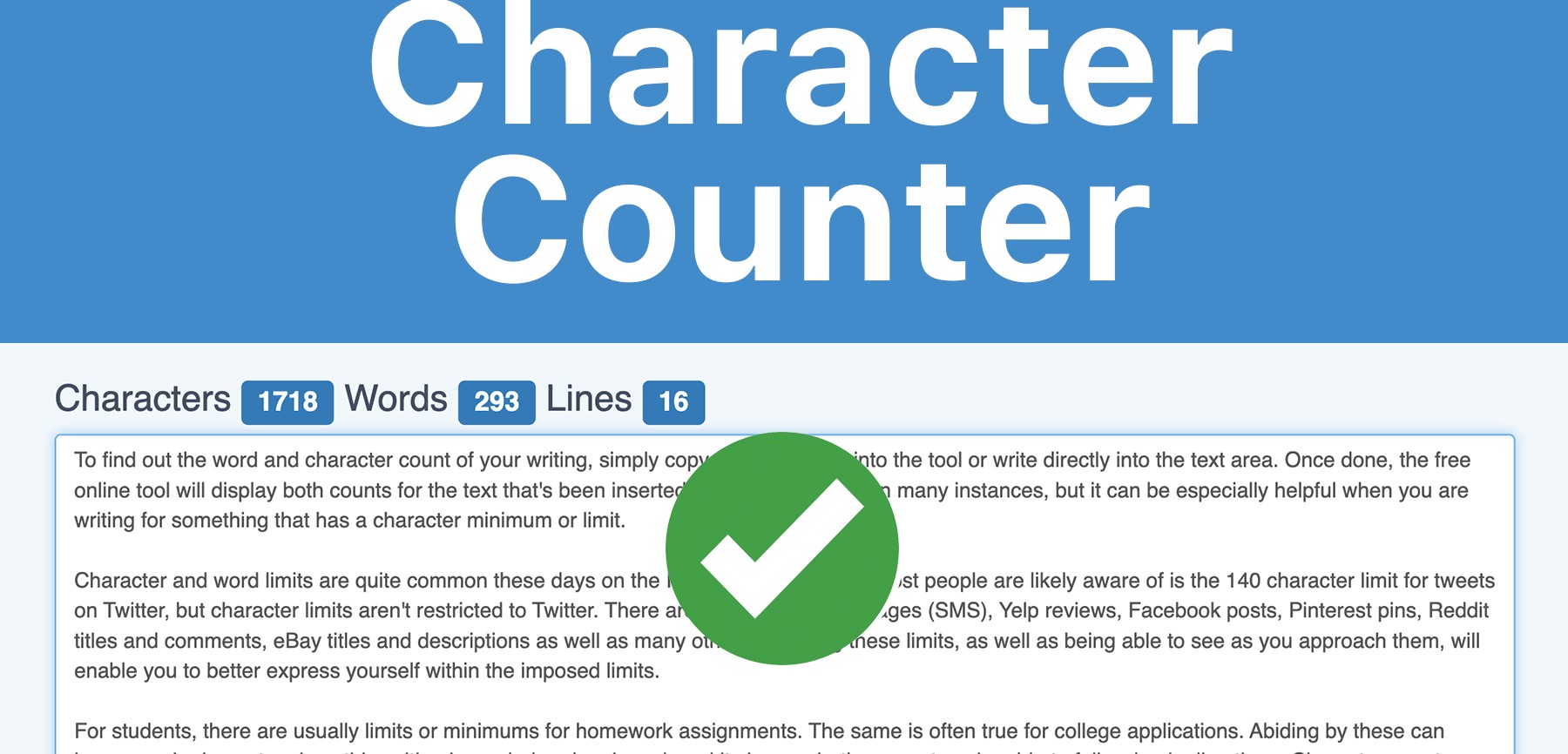
Read our in-depth review of Toolyvo’s Word & Character Counter. A fast, free, and accurate text analysis tool with no sign-up required.
Toolyvo Word & Character Counter Review
A Simple, Accurate, and Free Text Analysis Tool for Writers, Students, and Marketers
Introduction
In the digital age, writing is everywhere. From blog posts and academic essays to social media captions, email marketing campaigns, SEO articles, and website copy, text plays a central role in communication. However, writing is no longer just about creativity—it is also about precision, structure, and limitations.
Many platforms impose strict word or character limits:
- Twitter (X) limits characters
- Meta descriptions have SEO length constraints
- Academic assignments require exact word counts
- Job applications and forms enforce character caps
This is where word and character counter tools become essential.
Among the many tools available online, the Word & Character Counter from Toolyvo stands out for its simplicity, speed, and accessibility. In this in-depth review, we will explore everything about this tool—how it works, who it’s for, its strengths, limitations, and why it deserves a place in every writer’s toolbox.
What Is the Toolyvo Word & Character Counter?
The Word & Character Counter by Toolyvo is a free online text analysis tool that instantly calculates:
- Total word count
- Total character count (with and without spaces)
All calculations happen in real time, directly in the browser, without requiring any registration, login, or software installation.
The tool is designed to help users quickly analyze text length for various writing needs, whether professional, academic, or casual.

Why Word and Character Counting Matters
Before reviewing the tool itself, it’s important to understand why word and character counting is critical in modern writing.
1. SEO & Digital Marketing
Search engines and social platforms favor content that fits specific length guidelines:
- Meta descriptions (150–160 characters)
- Titles (50–60 characters)
- Blog post minimum word counts
- Ad copy character limits
Exceeding or falling short of these limits can negatively impact performance.
2. Academic Writing
Students often face strict requirements such as:
- “Write a 1,500-word essay”
- “Maximum 300 words per answer”
A reliable word counter ensures compliance and avoids penalties.
3. Social Media & Messaging
Platforms like X (Twitter), LinkedIn, and Instagram captions all have character constraints. Writers need precision.
4. Professional & Legal Documents
Contracts, forms, proposals, and applications frequently restrict text length for clarity and formatting.
In all these cases, a fast and accurate word counter is not optional—it’s essential.
First Impressions & User Interface
One of the strongest aspects of Toolyvo’s Word & Character Counter is its minimalist design.
Interface Highlights:
- Clean and distraction-free layout
- Large text input area
- Instant results display
- No ads cluttering the interface
- No pop-ups or interruptions
The design philosophy is clear:
👉 Focus on the task, not the tool.
Even first-time users can immediately understand how to use it.
How the Tool Works (Step-by-Step)
Using the Toolyvo Word & Character Counter is extremely straightforward:
- Open the tool page
- Paste or type your text into the input box
- View the results instantly:
- Word count
- Character count (with spaces)
- Character count (without spaces)
There is no submit button, no waiting, and no page reloads. The counting happens dynamically as you type or paste content.
Core Features Explained
✅ Real-Time Word Counting
The tool updates the word count instantly with every keystroke, making it ideal for live editing.
✅ Character Count (With & Without Spaces)
This feature is especially useful for:
- Social media platforms
- Form fields
- SMS and messaging constraints
✅ Copy-Paste Friendly
You can paste:
- Blog posts
- Essays
- Code snippets
- Social captions
- Emails
And get instant results.
✅ 100% Free
No subscriptions, no trials, no hidden costs.
✅ No Registration Required
You don’t need to create an account or share personal data.
✅ Works on All Devices
The tool functions perfectly on:
- Desktop computers
- Laptops
- Tablets
- Smartphones
As long as you have a browser, you’re good to go.
Accuracy & Performance
Accuracy is the most important factor in any word counter tool—and Toolyvo performs very well.
Performance Observations:
- Correctly identifies words separated by spaces
- Handles punctuation properly
- Accurately counts characters
- Performs well even with long texts
- No noticeable lag or delay
Whether you paste a short paragraph or a multi-page article, the tool remains responsive.
Who Is This Tool For?
✍️ Writers & Bloggers
- Check article length
- Meet editorial guidelines
- Optimize content for SEO
🎓 Students & Academics
- Ensure essays meet word limits
- Avoid penalties
- Manage structured assignments
📈 SEO Specialists & Marketers
- Optimize meta titles and descriptions
- Measure ad copy length
- Prepare landing page content
💼 Professionals
- Draft emails and reports
- Fill out applications
- Prepare proposals
📱 Social Media Managers
- Count characters for posts
- Fit platform-specific limits
In short, anyone who writes text online can benefit from this tool.
Comparison with Other Word Counter Tools
| Feature Toolyvo Word Counter | ||
| Free to use | ✅ | |
| No registration | ✅ | |
| Real-time counting | ✅ | |
| Clean interface | ⭐⭐⭐⭐⭐ | ⭐⭐⭐ |
| Mobile friendly |
✅
Toolyvo’s main advantage is simplicity without distractions.
Limitations & Areas for Improvement
No tool is perfect, and honesty matters in a review.
❌ No Advanced Analytics
The tool does not currently provide:
- Sentence count
- Paragraph count
- Reading time
- Keyword density
❌ No Export Options
You cannot export reports or save analysis results.
❌ Single-Language Neutral
The tool counts words but does not analyze language or grammar.
That said, these limitations are acceptable given the tool’s focus on simplicity and speed.
Use Cases in Real-World Scenarios
SEO Article Writing
Writers can ensure blog posts meet minimum word requirements without switching tools.
Social Media Scheduling
Content creators can tailor captions precisely before publishing.
Academic Submissions
Students can double-check word limits before submission.
Email Marketing
Marketers can optimize subject lines and message length.
Privacy & Security
One of the most underrated advantages of the Toolyvo Word Counter is privacy.
- No login required
- No personal data collected
- Text is not stored
- No tracking forms
This makes it safe even for:
- Confidential drafts
- Private documents
- Internal business text
Final Rating
⭐ Overall Rating: 4.6 / 5
Why It Scores High:
✔ Extremely easy to use
✔ Accurate and fast
✔ Clean interface
✔ Free and accessible
✔ No sign-up required
Why It’s Not a Perfect 5:
✖ Lacks advanced text analytics
Final Verdict
The Toolyvo Word & Character Counter is an excellent example of a tool that does one thing—and does it very well.
If you need:
- Fast word counting
- Accurate character limits
- Zero distractions
- No learning curve
Then this tool is absolutely worth using.
It may not replace advanced writing software, but for everyday writing needs, it’s reliable, efficient, and refreshingly simple.

Recommendation
✅ Highly recommended for:
- Writers
- Students
- Marketers
- Professionals
- Content creators
If Toolyvo continues expanding this tool with optional advanced features in the future, it could easily become one of the best text utilities online.